

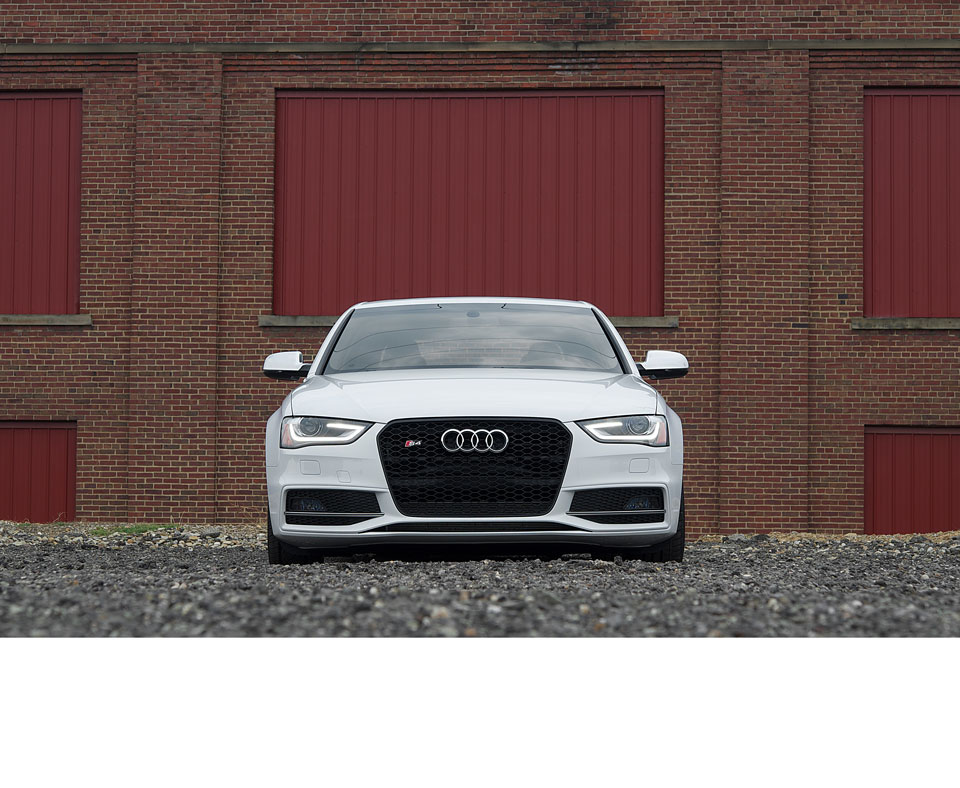
1: Switch the ignition on (do not start engine) and plug the scanner into the OBDII port

2: Select “VAG”
3: Select “Audi”
4: Select “Systems”

5: Select “Control Unit”
6: Select “Common”
7: Select “Cent. Elect.”
8: Select “Long Coding”
9: Write down the original values before attempting to change anything

10: Select “Software Coding”
11: Select “Setting”
12: Using the keyboard change the 7th number from a “9” to a “1”

13: Select “Finish”
14: Select “Yes”
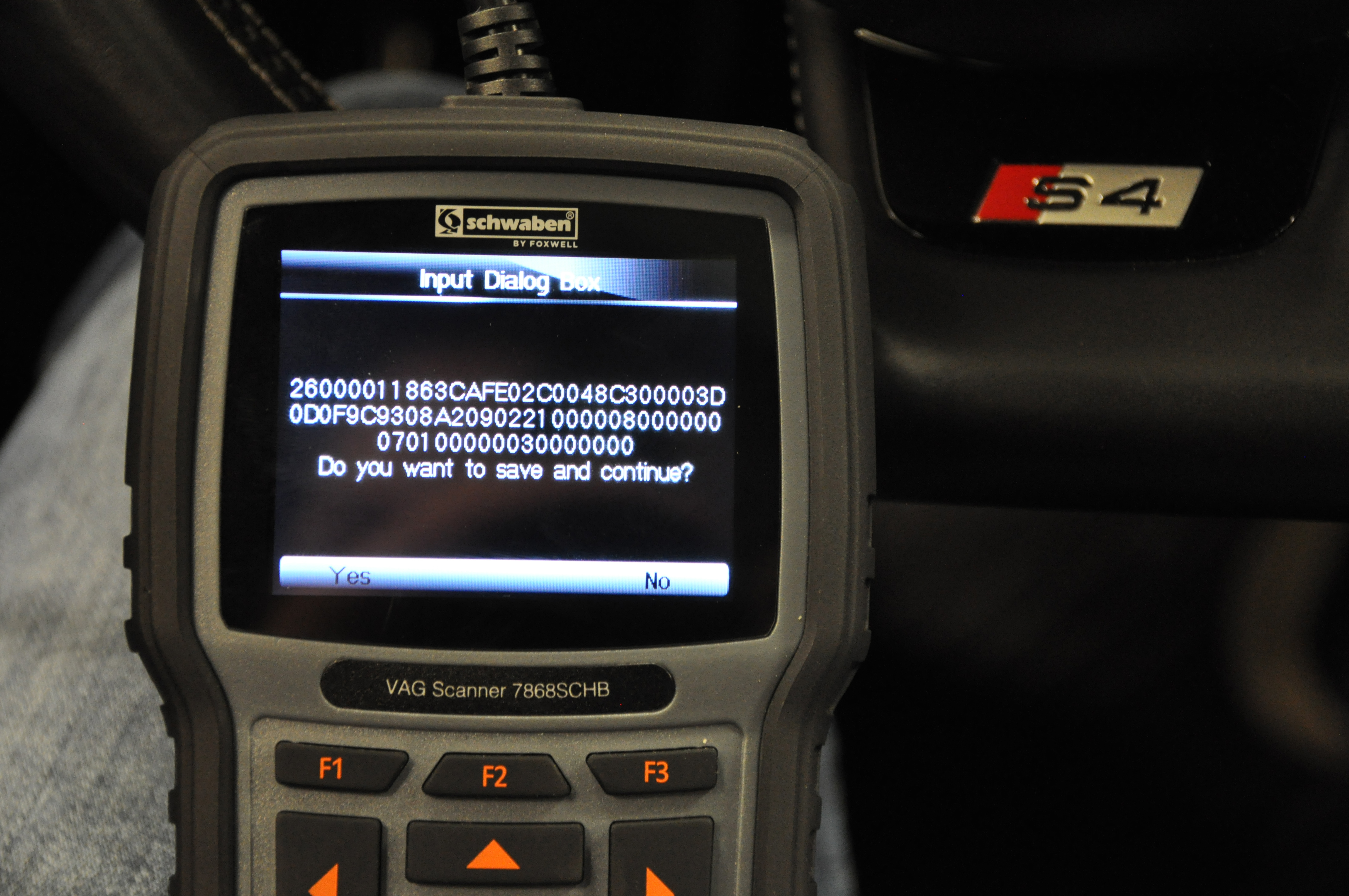
15: Select “Done”
16: Select “Set Complete”
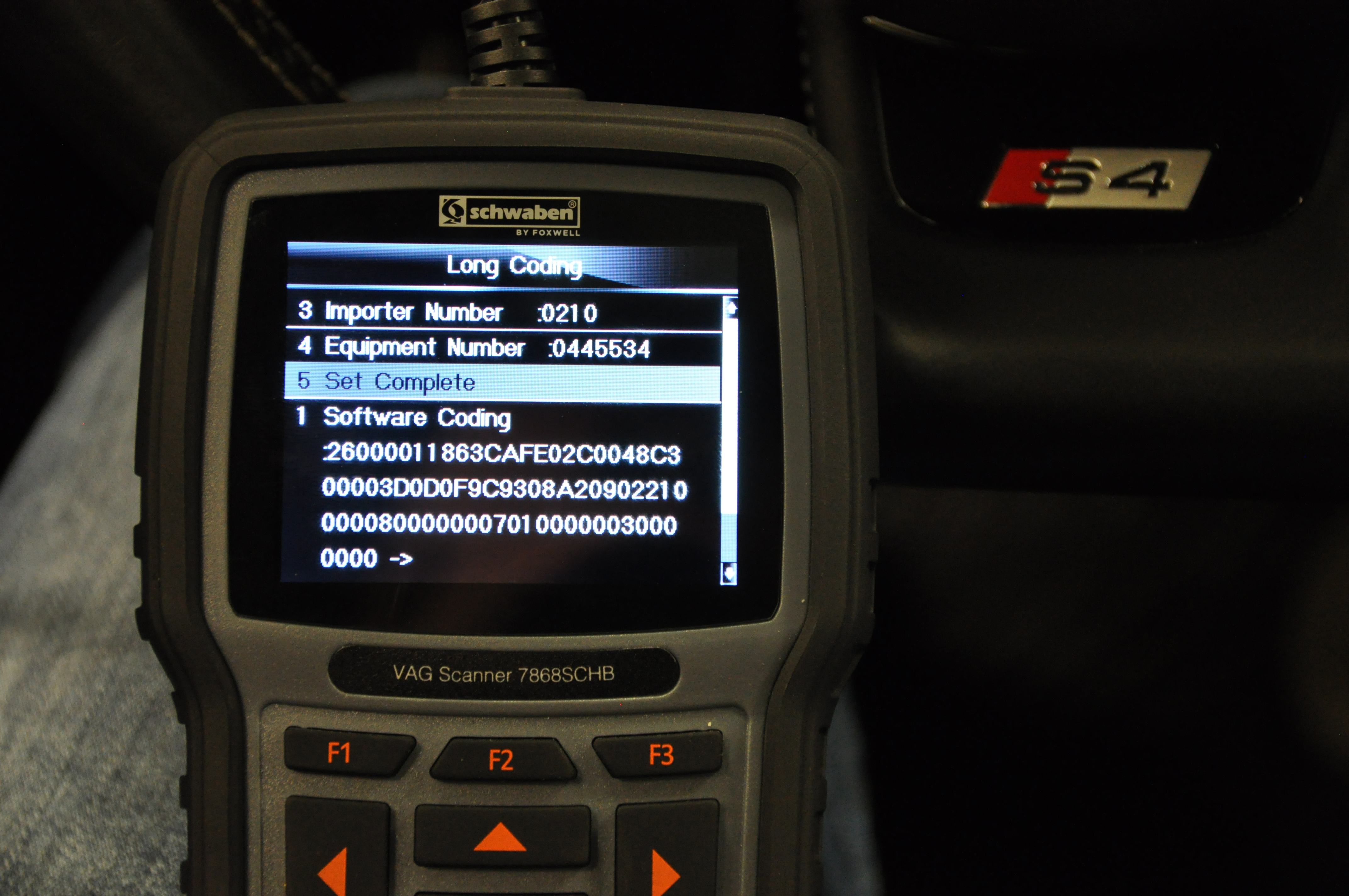
17: Select “Ok”
18: Now your DRL’s will stay illuminated at all times!